Bring your media.
Add images, video, or audio. Arrange your layers and set how your experience appears and plays.
Turn images, video, and audio into experiences that live beyond the screen. Design in your browser. Share with a scan.
Create an account to save projects privately and publish WebAR links.
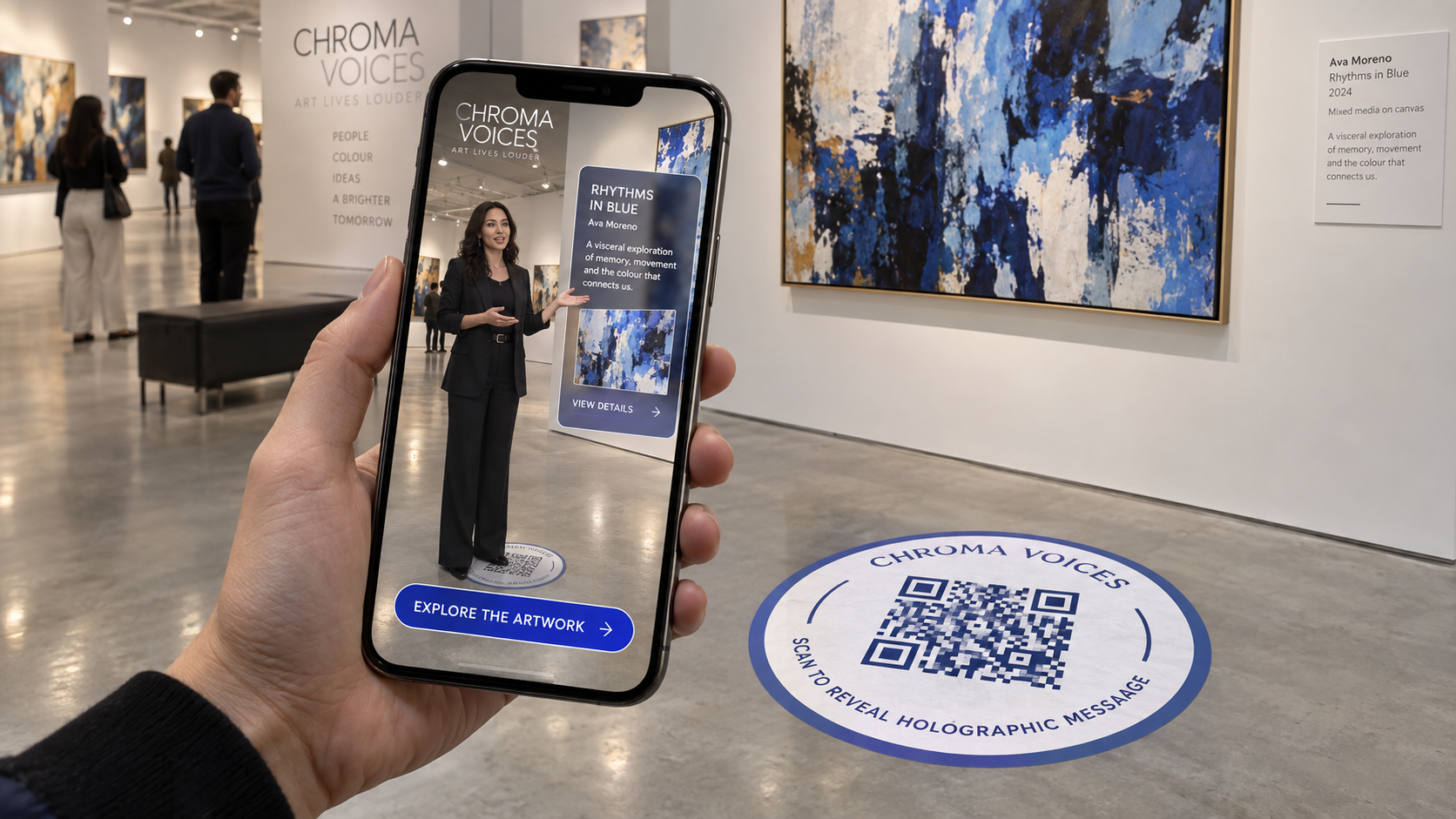
Add images, video, or audio. Arrange your layers and set how your experience appears and plays.
Choose an image trigger or a world placement. For image experiences, use a photo or artwork as the starting point.
Save your editable project privately. Publish a public experience, then copy its link or download a QR code to share.
ARIA publishes WebAR experiences that open in a compatible web browser. Viewers open a link or scan a QR code, then allow camera access to start.
Saved cloud drafts belong to your account. Publishing creates a public copy of the experience and its visible media. Anyone with its link can view and download that published content.
Yes. Reopen your cloud project, make your changes, and publish again. The project keeps its public link, so its existing QR code continues to point to it.
Try your experience on the phones and browsers your audience will use. For image tracking, test the actual printed trigger, lighting, and viewing distance.